_SC.svg)


.jpg)
How to automate purchase orders in Shopify with Smart Generate
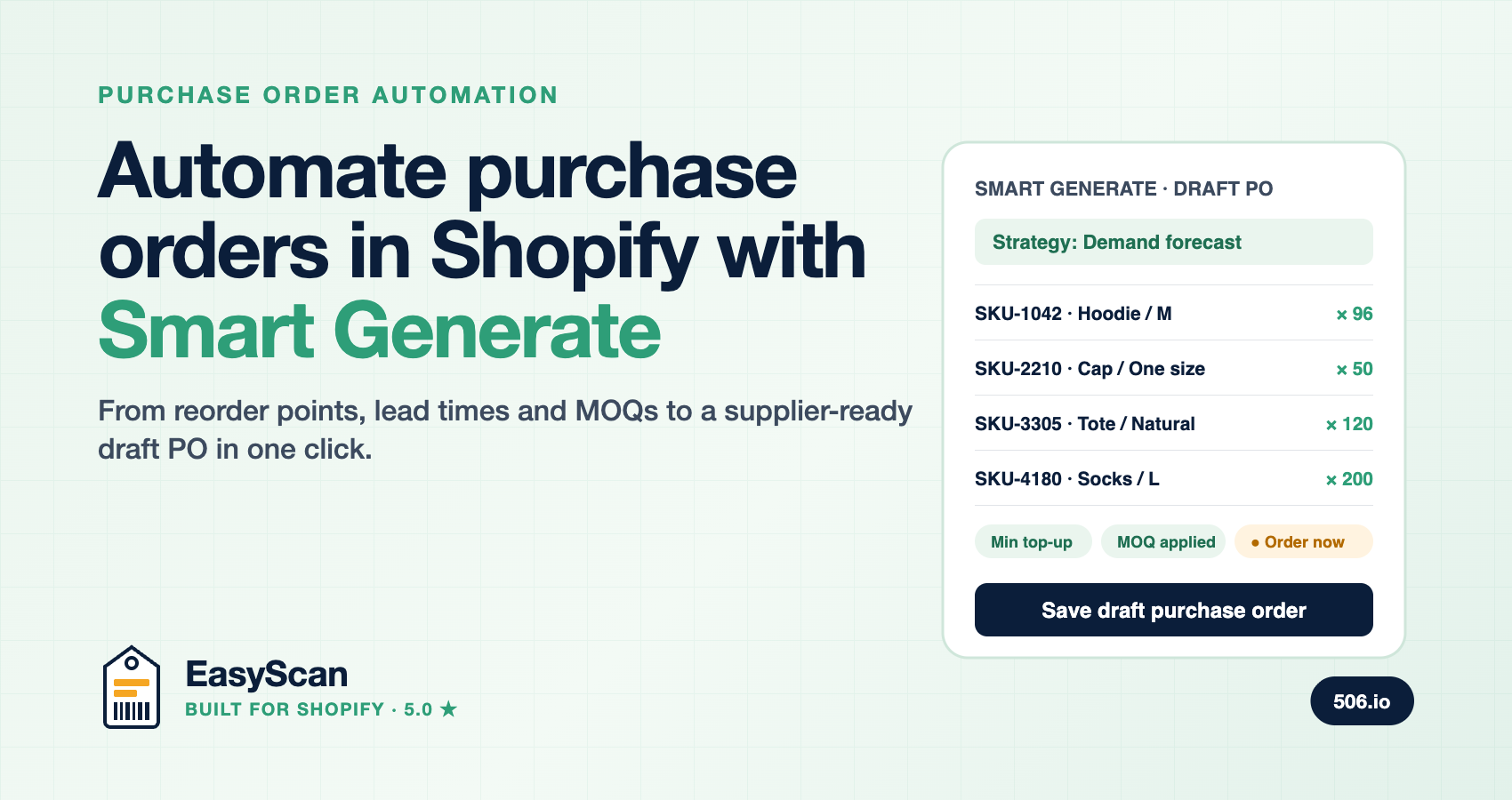
TL;DR: Purchase order automation means letting software decide what to reorder, how much, and from which supplier, then handing you a draft PO to approve instead of a blank spreadsheet. EasyScan's Smart Generate does this inside your Shopify admin: pick a supplier and destination, choose a restock strategy (AI demand forecast, smart restock, fill to maximum or fixed amount), and it scans your entire catalogue through Shopify's bulk operations API, applies min/max rules, supplier lead times, minimum order quantities and incoming stock, and drafts the order in seconds. It is included on the Advanced plan at $79.99/month, and the same app then scan-receives the delivery so the loop closes.
What is purchase order automation?
Purchase order automation is the process of generating supplier orders from rules and data rather than by hand. Instead of exporting a stock report, filtering for low items, looking up each supplier's cost and minimum order quantity, and typing lines into a PO template, an automated system reads live inventory, applies your reorder logic and produces a ready-to-review purchase order. The merchant's job shifts from data entry to approval.
The payoff is speed and consistency. IBM has found that a manual purchase order process typically takes two to three days end to end, while an automated one takes hours (cited in Prediko's PO automation guide). Just as important, the same rule gets applied to SKU number 1 and SKU number 3,000, so nothing gets forgotten on a busy week.
Can Shopify automatically generate purchase orders?
Not natively. Shopify's built-in purchase orders are a manual document: you add products line by line and there is no reorder-point, forecasting or auto-generate logic behind them. Shopify's own Stocky app used to fill that gap and is shutting down on 31 August 2026 (see EasyScan vs Stocky). Automated PO generation in Shopify therefore comes from an app, and EasyScan is one of the few that combines the planning layer with barcode receiving, stocktakes, bin locations and pick and pack in a single Built for Shopify app.
The reorder point formula, and why it is only the start
Most guides to reordering stop at the classic formula (Shopify's own version):
| Term | Meaning |
|---|---|
| Reorder point | Daily sales velocity × lead time in days + safety stock |
| Safety stock | Buffer units held against demand spikes and late deliveries |
| Lead time | Days from placing the PO to stock being available to sell |
| Order quantity | Enough to reach your target stock after the delivery lands, rounded to MOQ |
The formula tells you when to order one product. Real purchasing is harder: you have hundreds of variants across several locations, each supplier has a different lead time and MOQ, some stock is already on the way, and you order from one supplier at a time. Smart Generate is built to handle that whole problem, not just the formula.
How Smart Generate works, step by step
- Choose a supplier and destination. Suppliers in EasyScan hold a default lead time, default MOQ, currency and one or more linked Shopify vendors. Per-variant supplier SKU, cost and MOQ live on the product as Shopify metafields, editable in a supplier catalogue page or by CSV import.
- Set the product scope. Either the supplier's entire catalogue (by linked vendor) or a specific Shopify collection.
- Pick a restock strategy. Four are available; details below.
- Let it scan. EasyScan runs a Shopify bulk operation across the scope, so it works on a 20,000-variant catalogue without timing out, with a progress bar driven by the real product count.
- Review the draft. Every suggested line shows a tooltip with the exact calculation and reason chips such as Min top-up, MOQ applied, Capped at max and Order now. Adjust anything, then save and mark as Ordered.
Very large runs are split automatically into multiple drafts (up to five drafts of 500 products) so nothing is truncated. You can also run Smart Generate onto an existing draft PO: matched lines are replaced with the fresh quantity rather than stacked, and new lines are appended.
The four restock strategies
| Strategy | Which items | Quantity | Best for |
|---|---|---|---|
| Demand forecast | Anything whose projected stock falls short of target | Velocity × (lead time + days of cover) + min, minus available and incoming, capped at max | Regular replenishment on Advanced/Pro; the default |
| Smart restock | Items at or below their minimum | Up to maximum (or to minimum if no max is set) | Classic min/max reordering, all plans |
| Fill to maximum | Every item below its maximum | Up to maximum | Pre-season stock builds, consolidating a big order |
| Fixed amount | Every item in scope | A flat quantity you enter | Sample orders, new-range launches, MOQ top-ups |
All four respect per-item and supplier-default MOQs, and all four can account for incoming inventory already on open purchase orders (on by default for demand forecast and smart restock). Oversold items with negative available stock correctly raise the suggestion rather than being ignored. For the full maths behind the AI strategy, read AI demand forecasting for Shopify.
What Smart Generate tells you when it recommends nothing
An automation tool that silently returns an empty order is not much use. When Smart Generate produces no lines it explains why, distinguishing "everything is covered by current and incoming stock" from real setup gaps: products with no velocity yet, variants with no min/max at that location, or items already at maximum. It shows counts and sample products for each, so you can fix the data instead of guessing.
Closing the loop: alerts, receiving and accurate stock
Generating the PO is the middle of the replenishment cycle, not the whole thing. EasyScan wraps it on both sides:
- Low stock alerts watch a storewide, collection or location scope against a fixed quantity, your minimum, or a days-of-cover threshold, and email you instantly or as a daily digest with a suggested reorder quantity and a Create PO deep link.
- Scan-based receiving checks each delivery against the PO line by line with a USB or Bluetooth barcode scanner, handles partial and over-shipments, updates Shopify inventory on save and can print labels for the units just received. Optional moving-average cost updates keep Shopify's unit cost accurate. See how to receive a purchase order with a barcode scanner.
- Stocktakes and bin locations keep the available quantity the forecast relies on honest, so the next Smart Generate starts from numbers you trust.
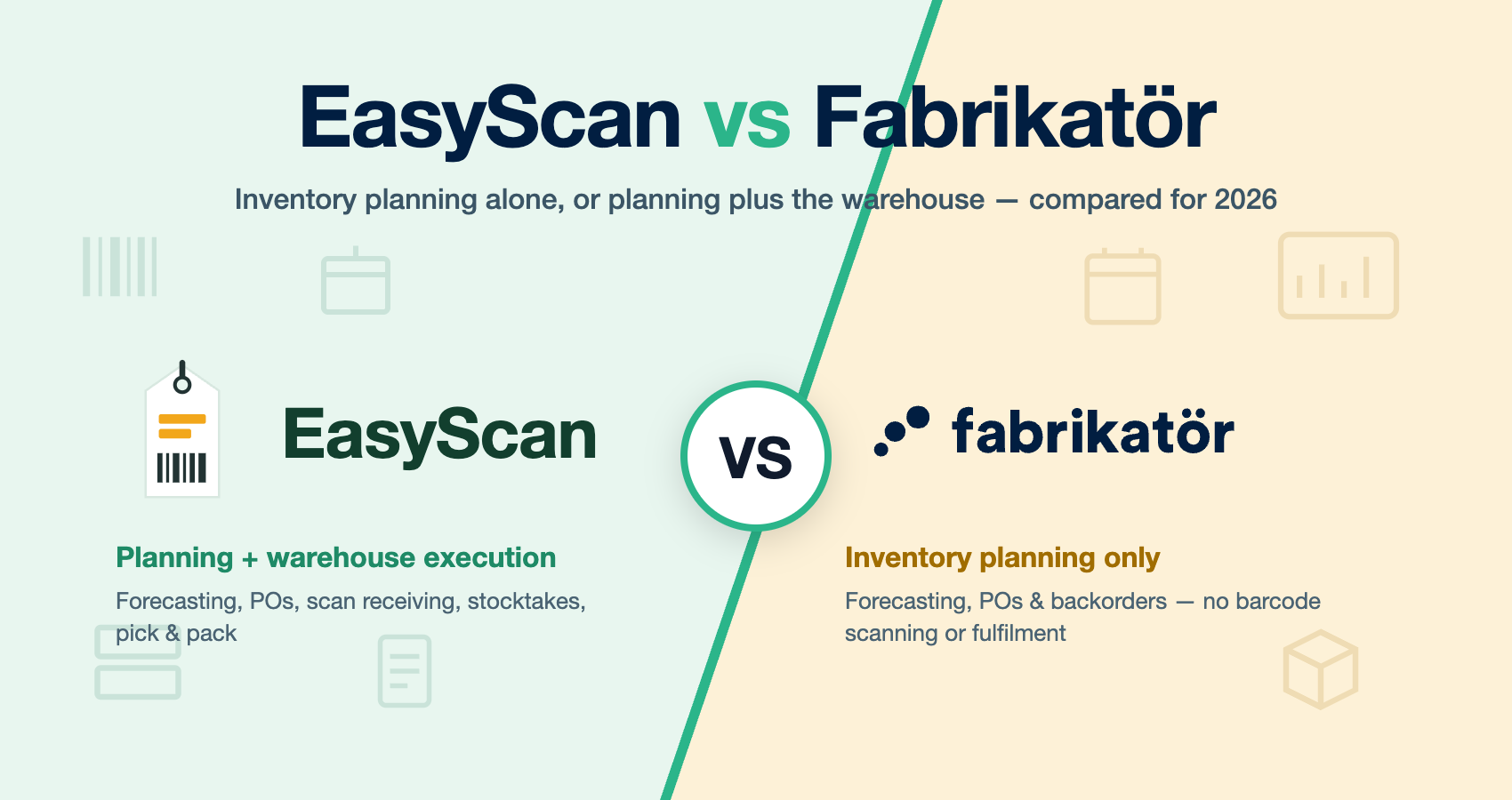
Planning-only apps such as Prediko, Inventory Planner and Fabrikatör automate the PO but leave receiving and counting to another tool. EasyScan does the whole cycle in one app, at a flat $79.99/month with no usage fees; see EasyScan vs Fabrikatör for a side-by-side.
Setting up automated purchase orders: a 30-minute checklist
- Create your suppliers with a realistic lead time, default MOQ and currency, and link each to its Shopify vendor(s).
- Import supplier SKUs, costs and per-item MOQs by CSV so every generated line prices correctly.
- Set minimum and maximum levels per variant per location for your top sellers first; you do not need every SKU dialled in on day one.
- On Advanced or Pro, let the 90-day velocity backfill complete (the dashboard banner tells you when).
- Run Smart Generate with Demand forecast for your busiest supplier, review the reason chips, and save your first automated PO.
- Add a days-of-cover low stock alert so the next reorder comes to you.
Which plan includes Smart Generate?
Purchase orders and Smart Generate with Smart restock, Fill to maximum and Fixed amount are available across EasyScan plans that include purchase orders. The AI Demand forecast strategy, sales velocity engine and days-of-cover alerts require Advanced ($79.99/month) or Pro. All plans include a free trial via the Shopify App Store.
FAQ
Does Smart Generate send the order to my supplier automatically?
No. It drafts the purchase order for you to review and approve. You stay in control of what gets committed; the automation removes the data entry, not the decision.
How do I calculate a reorder point in Shopify?
Multiply average daily sales by supplier lead time in days and add safety stock. EasyScan does this per variant and location automatically using its sales velocity engine, and flags items as "order now" when projected stock at delivery would drop below your minimum.
Can it handle suppliers with minimum order quantities?
Yes. Smart Generate rounds every suggested quantity up to the per-item MOQ, falling back to the supplier's default MOQ, and labels the line so you can see the adjustment.
Will it double-order stock I already have on a purchase order?
No. With "account for incoming inventory" enabled, quantities on open POs are subtracted from the requirement before a suggestion is made.
Can I generate one PO for multiple suppliers?
Each Smart Generate run targets one supplier, because a PO is a document to one vendor. Run it once per supplier; large runs split into multiple drafts automatically.
Does it work on very large catalogues?
Yes. The scan runs as a Shopify bulk operation, so catalogue size is not a limit, and results are split into up to five drafts of 500 products each.