_SC.svg)


.jpg)
AI demand forecasting for Shopify: how EasyScan predicts what to reorder, and when
TL;DR: AI demand forecasting turns your Shopify sales history into a per-SKU, per-location prediction of how fast each product will sell, then converts that into a reorder quantity that covers supplier lead time plus your chosen days of cover. EasyScan runs this continuously inside your Shopify admin: a recency-weighted sales velocity engine feeds a Demand forecast strategy that drafts the purchase order for you, flags "order now" risks before a stockout happens, and powers days-of-cover low stock alerts. It is included on the Advanced plan at $79.99/month, and unlike single-purpose planning apps it sits in the same tool that receives, counts, picks and packs the stock.
What is AI demand forecasting for Shopify inventory?
Demand forecasting is the practice of predicting future sales for each product so you can order the right quantity at the right time. In a Shopify context that means taking order and refund history from your store, calculating a sales velocity (units sold per day) for every variant at every location, and projecting it forward over the period you need to cover: the supplier's lead time plus a buffer of days of cover. The output is a suggested reorder quantity and a signal telling you whether the item is at risk of a stockout before the next delivery lands.
The "AI" part is not marketing gloss. Manual forecasting takes a spreadsheet snapshot of last month's sales and assumes the future looks the same. An algorithmic forecast weights recent demand more heavily than old demand, recalculates every day as new orders arrive, and applies the same maths consistently across thousands of SKUs, something no human planner can do by hand.
Why forecasting matters: the cost of stockouts and overstock
Stockouts are the most expensive inventory mistake a Shopify store can make. Industry estimates put global losses from out-of-stocks at close to $1 trillion a year, with North America alone accounting for roughly $145 billion (Fishbowl). A stockout does not just lose the sale; it loses the ad spend that drove the click, the repeat customer who buys elsewhere, and the search ranking of a product page that keeps showing "sold out".
Overstock is the quieter problem. Every unit sitting unsold ties up cash you could have spent on your best sellers, and it eventually turns into markdowns and storage fees. Good demand forecasting attacks both sides at once: it raises orders on fast movers before they run dry and stops you over-ordering slow movers you already have covered.
How EasyScan's sales velocity engine works
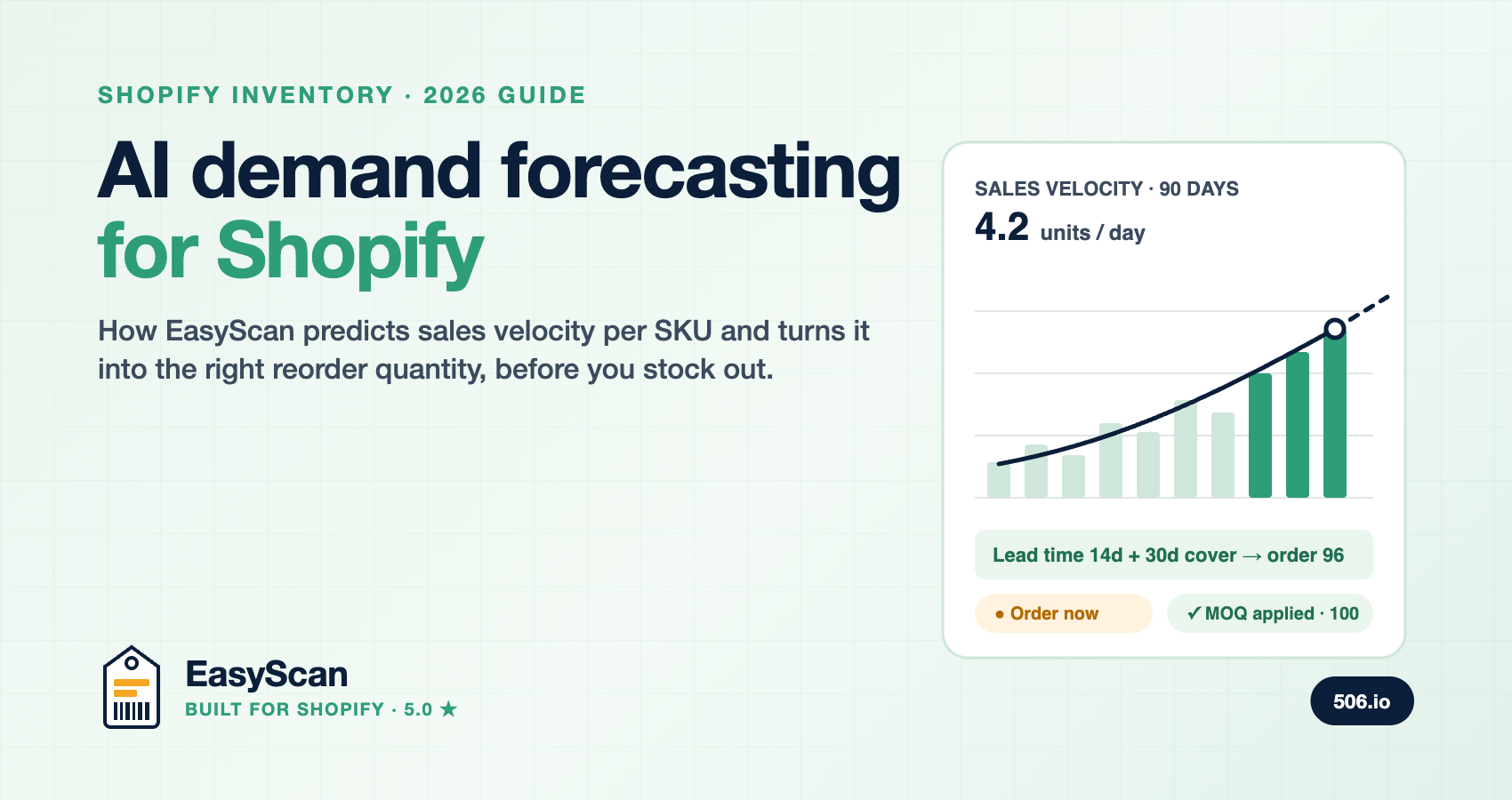
Every forecast starts with an accurate read of demand. EasyScan calculates sales velocity per variant, per location, using a trailing 90-day window of net sales (units sold minus units refunded). Rather than a flat average, it applies an exponential decay weighting: each day's sales are multiplied by 0.98 raised to the number of days ago they happened, so a sale last week counts for more than a sale ten weeks ago. The weighted total is divided across all 90 days, which means a product that sells sporadically gets a small, stable velocity rather than a spiky one.
In plain terms: the engine listens hardest to what your customers did most recently, without over-reacting to a single busy day.
Under the hood, this runs as two background jobs against Shopify's bulk operations API. When you upgrade or install, a one-time backfill processes 90 days of order history. From then on a daily incremental sync catches every new order, so the velocity figure you see in the morning already reflects yesterday's trading. A sync-status banner on the dashboard shows progress while the initial backfill builds.
From velocity to reorder quantity: the demand forecast formula
Velocity alone tells you how fast a product sells. To turn it into an order, EasyScan's Demand forecast strategy combines it with three merchant-controlled inputs:
- Lead time, taken from the supplier record, in days.
- Days of cover, how much stock you want on the shelf after the delivery arrives. Defaults to 30 days and is remembered per store.
- Minimum stock level, your safety stock, set per variant per location in inventory requirements.
| Step | Calculation |
|---|---|
| Target stock | Sales velocity × (lead time + days of cover) + minimum |
| Stock basis | Available + incoming on open purchase orders (toggle to ignore incoming) |
| Suggested order | Target stock − stock basis, capped at your maximum, never below zero |
| Supplier rules | Rounded up to the minimum order quantity (MOQ) and to whole units |
| Order now flag | Raised when stock basis − (velocity × lead time) falls below minimum |
Worked example. A variant sells 4 units a day, the supplier takes 14 days to deliver, you want 30 days of cover and a safety minimum of 20. Target stock is 4 × (14 + 30) + 20 = 196. You have 60 available and 40 incoming, so the stock basis is 100 and the suggested order is 96. If the supplier's MOQ is 50, that rounds to 100. And because 100 − (4 × 14) = 44 is above your minimum of 20, the item is not yet flagged "order now", but it will be in about a week if you do nothing.
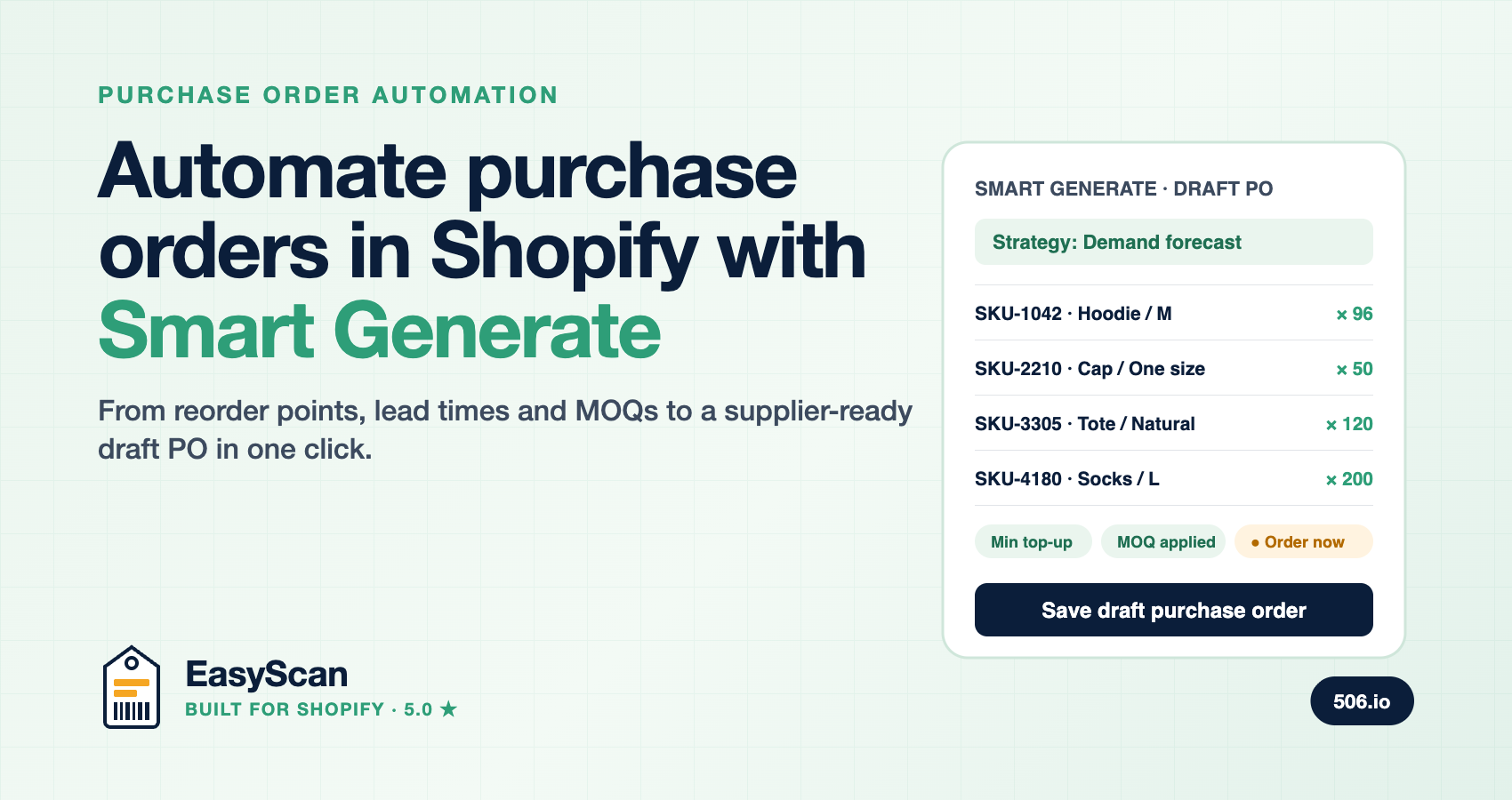
Every suggested line in EasyScan carries a tooltip showing exactly this breakdown, plus reason chips such as Min top-up, MOQ applied, Capped at max and Order now. You never have to trust a black box; the maths is on screen.
What happens to products with no sales?
A product with zero velocity should not generate a big order, and it does not. EasyScan only suggests a quantity for a zero-velocity item if its stock has fallen below the minimum you set, in which case it tops it up to that minimum. New launches, seasonal lines you are deliberately holding, and long-tail SKUs stay out of your purchase orders unless you have told the system they need a floor.
Where the forecast shows up in EasyScan
- Smart Generate purchase orders. Demand forecast is the default strategy on Advanced and Pro. Pick a supplier and destination, and EasyScan scans the catalogue and drafts the whole order. Full walkthrough in how to automate purchase orders in Shopify.
- Inventory requirements table. A read-only Sales velocity column sits beside your min, max and MOQ so you can sanity-check thresholds against real demand.
- Purchase order detail. Optional Sales/day and Sales/month columns on every line, so you can review a supplier's quote against how fast each item actually moves.
- Low stock alerts. Set a threshold in days of cover rather than a fixed quantity, and EasyScan emails you (instantly or as a daily digest) when a product's runway drops below it, with a suggested reorder quantity and a one-click Create PO link.
How EasyScan compares with dedicated forecasting apps
Prediko, Inventory Planner and Fabrikatör are strong planning specialists, and Prediko in particular markets 12-month, month-by-month forecasting with seasonality modelling from $49/month. If your business is planning a year of production runs, that horizon is valuable. EasyScan makes a different bet: most Shopify merchants reorder on a weekly or monthly cadence, and what they need is an accurate, up-to-date read of current demand that turns into a purchase order in one click, then gets received, put away and picked with a barcode scanner in the same app.
| Capability | EasyScan | Typical forecasting-only app |
|---|---|---|
| Per-SKU, per-location velocity | Yes, recency-weighted, refreshed daily | Yes |
| Lead time and days of cover inputs | Yes, per supplier and per store | Yes |
| Long-range seasonal forecast (12 months) | No, EasyScan forecasts the next reorder cycle | Often yes |
| Forecast to draft PO in one step | Yes, Smart Generate with MOQ and incoming stock | Usually yes |
| Transparent formula per line | Yes, tooltip breakdown and reason chips | Varies |
| Days-of-cover low stock alerts | Yes, with Create PO link | Yes |
| Scan-based PO receiving, stocktakes, bin locations, pick and pack | Yes, all in the same app | No |
| Pricing | $79.99/month Advanced, everything included | $49 to $199+/month, planning only |
Put differently: a forecasting app tells you what to order. EasyScan tells you what to order and then closes the loop, scanning the delivery in against the PO so that tomorrow's forecast starts from stock counts you can trust. See the full comparisons in EasyScan vs Fabrikatör and EasyScan vs Stocky.
Getting accurate forecasts: five practical tips
- Set lead times honestly. Use the supplier's real door-to-door time including customs and inbound handling, not the quoted production time.
- Start days of cover at 30 and tune it. Shorten it for fast, reliable suppliers to free up cash; lengthen it for overseas or seasonal ones.
- Use minimums as safety stock. The minimum is your buffer against demand spikes and late deliveries; set it deliberately on your top sellers first.
- Leave "account for incoming inventory" on. It stops you double-ordering items already on an open PO.
- Receive by scanning. Every forecast is only as good as the stock count underneath it. Scan-receiving purchase orders keeps that number honest.
Which plan includes AI demand forecasting?
The sales velocity engine, Demand forecast Smart Generate strategy, Sales/day columns and days-of-cover low stock alerts are included on EasyScan's Advanced ($79.99/month) and Pro plans, with a free trial. Basic and Standard plans include Smart restock and Fill to maximum strategies using min/max rules, without velocity. Install from the Shopify App Store; EasyScan is Built for Shopify and rated 5.0.
Looking for the best purchase order app for Shopify? EasyScan combines purchase orders, barcode receiving, AI forecasting, Suggested Orders and Slack alerts in one Shopify inventory management app. Install EasyScan from the Shopify App Store or read the best purchase order and inventory apps for Shopify compared.
FAQ
What is AI inventory forecasting?
AI inventory forecasting uses an algorithm to predict future demand for each product from historical sales, then recommends how much to reorder and when. In EasyScan it is a recency-weighted sales velocity per variant and location, projected across supplier lead time and your days of cover.
How is sales velocity calculated?
EasyScan takes the last 90 days of net sales (sold minus refunded) for each variant at each location, weights each day by 0.98 to the power of how many days ago it was, and averages across the window. Recent sales count more; sporadic sellers get a stable, low velocity.
What is the difference between safety stock and a reorder point?
Safety stock is the buffer you keep for demand spikes and late deliveries. The reorder point is the stock level that triggers a new order, usually daily sales × lead time + safety stock. In EasyScan, the minimum level plays the safety stock role and the "order now" flag is the reorder point trigger.
Does EasyScan forecast seasonality?
Not as a separate model. The forecast reflects the last 90 days of demand with recent sales weighted most, so it tracks a rising or falling season as it happens. For a planned peak, raise the minimum or days of cover on the affected products before the season starts.
Does the forecast account for stock already on order?
Yes. By default the Demand forecast strategy subtracts incoming quantities on open purchase orders from your requirement, so you never double-order.
Can I see how a suggested quantity was calculated?
Yes. Every line in Smart Generate shows a tooltip with velocity, lead time, cover, minimum, maximum and MOQ, plus reason chips explaining any adjustment.