_SC.svg)


Winning With Shopify listeners · GetSale
Schedule the sale. Prices go back on their own.
GetSale changes the prices in your catalogue when the sale starts and restores them when it ends, across products, collections or the whole store. No spreadsheets, no 2 a.m. price edits, no sale that quietly never finished.
For stores running flash sales, weekend deals and seasonal promotions, who want the campaign to start and stop without anyone watching the clock.
★ 4.9 from 333 Shopify App Store reviews · Built for Shopify · How the code works
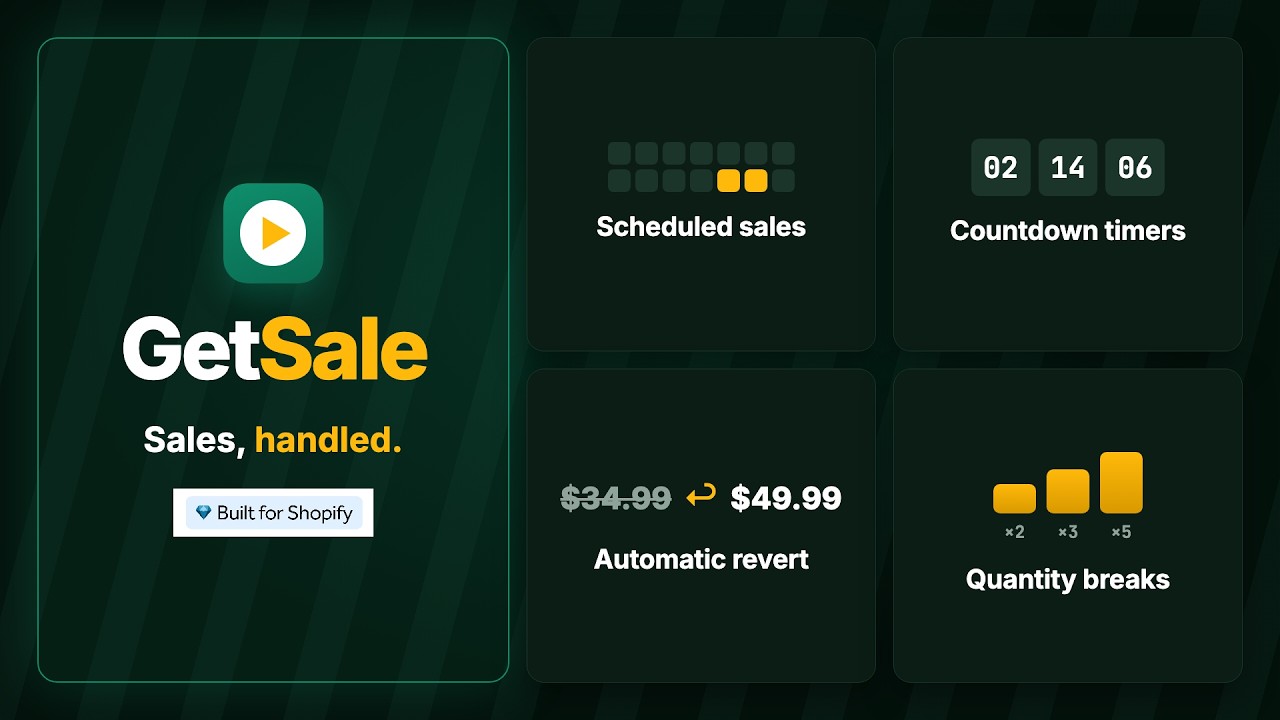
Product tour recorded in a demo store. Products and prices are sample data.
Set it, watch it run, watch it reset
A campaign from set-up to restored prices.
Three screens from the app, in the order the sale happens.
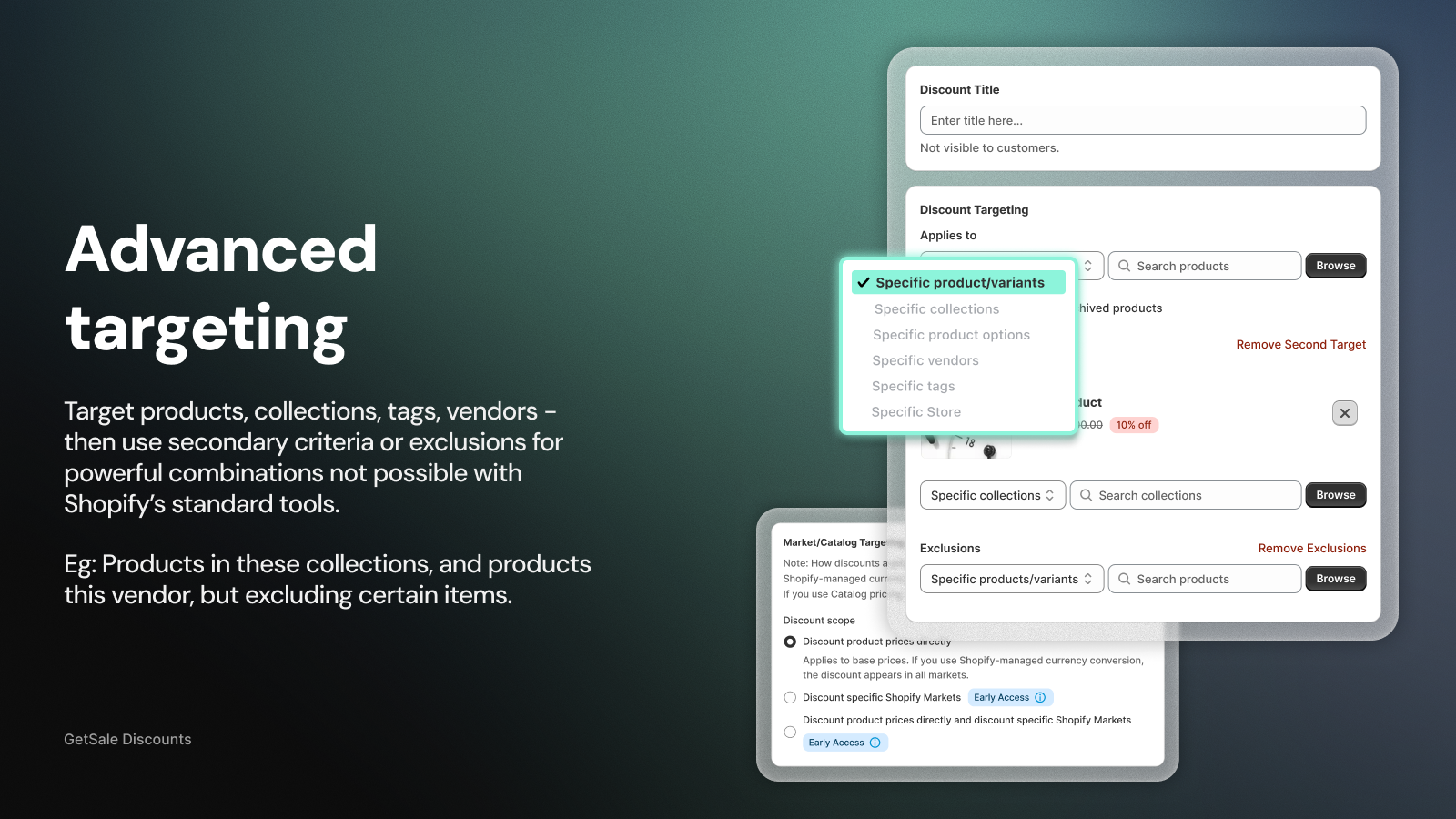
Set up the campaign
Pick products, collections, tags or vendors, exclude what should stay full price, and choose a percentage or a fixed sale price.
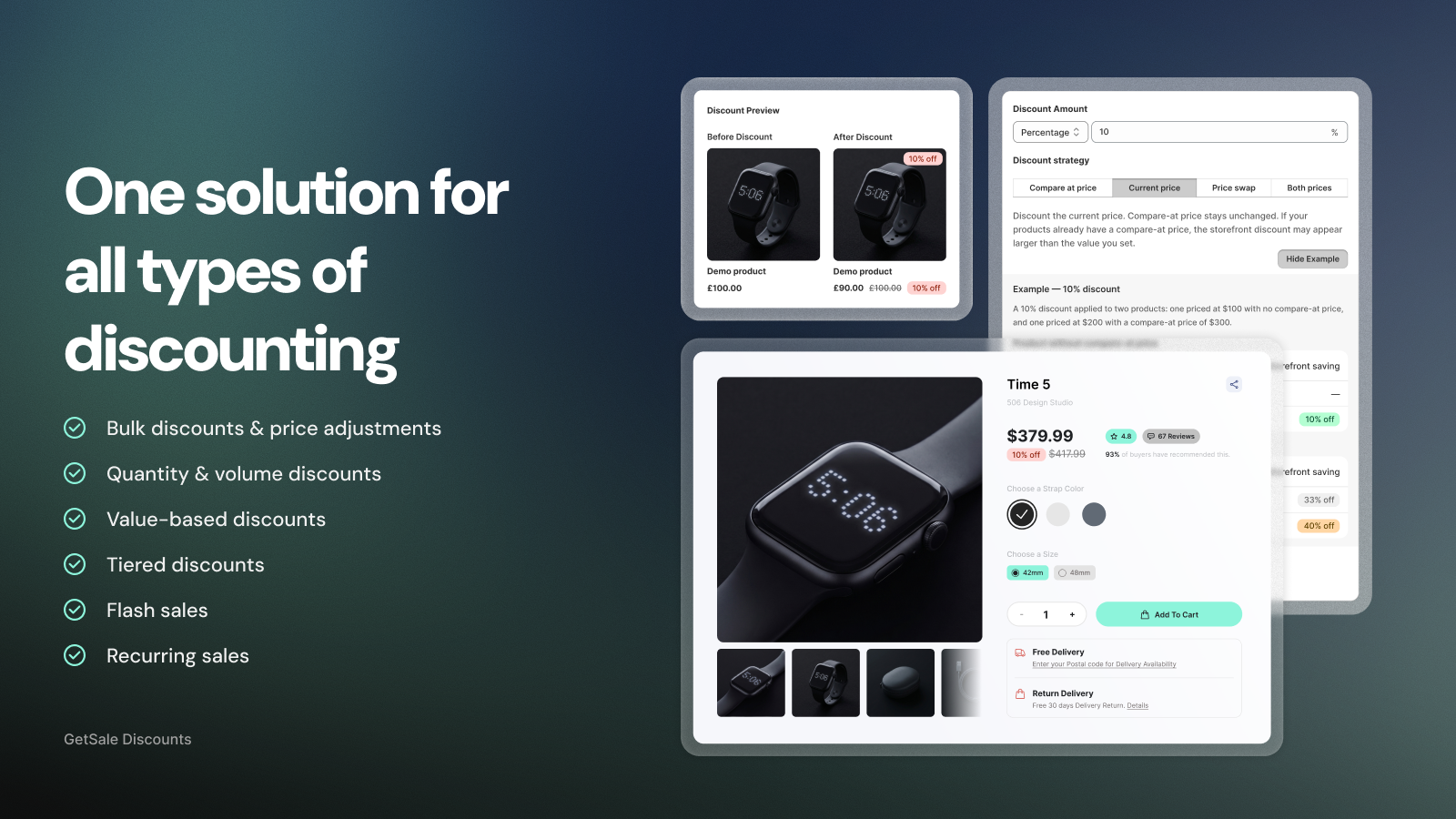
It goes live on time
At the start time, GetSale rewrites the prices. Shoppers see the sale price with the crossed-out compare-at price they expect, and a countdown timer or banner can go live with it.
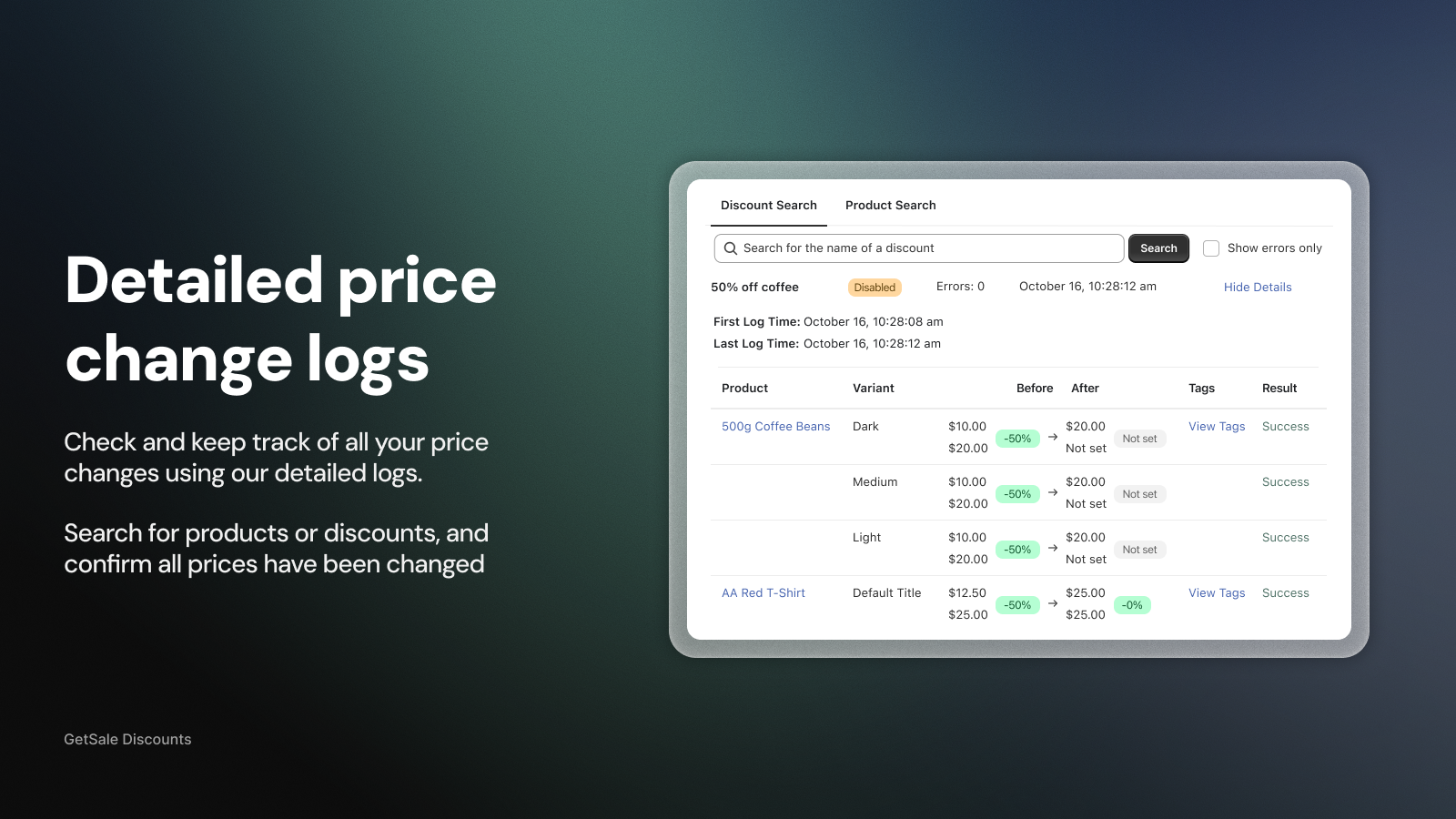
It ends and prices are restored
At the end time, every price returns to what it was. The log shows the before-and-after for each variant so you can check the reset in seconds.
What you stop doing by hand
The tedious parts of a sale, automated.
Start and end, unattended
Schedule a start time and an end time, or a repeating schedule on Unlimited for weekly deals. The reset happens whether or not anyone is at a desk.
Compare-at prices done properly
Choose whether the discount applies to the current price, the compare-at price or both, so the strike-through shows the real saving.
Stacking under control
On Unlimited, block Shopify discount codes on products already on sale, so a 20% code cannot land on top of a 40% sale.
Every price change logged
See before-and-after prices per variant, search by product or discount, and confirm that a campaign started and ended cleanly.
What merchants say
From the Shopify App Store.
“Super easy to set up sales and being able to schedule them in advance has been a game changer. The support team are super helpful and responsive, they even added custom coding to our store!”
The Official Cricket Shop · Australia
“As a small business with only limited staff, having this app means we can schedule and then get on with our week, enabling preparation and planning. Love it!”
A_C Official · Australia
“Best discount app we've used. We manage over 6,000 SKUs and it's handled every bulk discount campaign flawlessly — rock solid, never had an issue.”
DUDE21 · Italy · July 2026
Quotes are from public reviews on the GetSale listing on the Shopify App Store, rated 4.9 from 333 reviews on 13 October 2026.
Your Winning With Shopify offer
35 days free on GetSale
GetSale's standard trial is 5 days. Code WWS adds 30 more, on whichever plan you choose. Time enough to run a real campaign and read the numbers before you pay anything.
How to redeem
- Install GetSale from this page. You land on the plan page inside Shopify.
- Click “Redeem a code” in the footer of the plan page. A code field opens at the top.
- Enter WWS and apply. The plan cards update to show 35 days. Pick your plan and approve it in Shopify.
Eligibility
- One redemption per store.
- New GetSale subscriptions only: stores that have not held a paid GetSale plan or trial before.
Good to know
- Shopify asks you to approve the plan up front, but billing starts only when the trial ends. Cancel before then and you pay nothing.
- The extra days apply to paid plans. GetSale's Free plan has no trial and needs no code.
- The code must be entered on the plan page before you approve a plan. It cannot be applied afterwards.
Before you install
Questions listeners ask.
Does it change the price or the compare-at price?
Your choice per campaign: discount the current price and keep compare-at, apply the discount to the compare-at price, swap them, or set both. The preview shows the result before you save.
Will Shopify discount codes stack on top of the sale?
By default a code can still be applied at checkout. On the Unlimited plan you can block codes on products that are already on sale with a checkout rule.
How many products can I put on sale?
Free covers 75 variants and 3 campaigns. Basic 500 variants and 10 campaigns, Standard 1,500 and 30, Unlimited has no limits and adds repeat schedules, code blocking and analytics.
Do I need a paid plan at all?
No. The Free plan runs scheduled sales with all discount types. The WWS code extends the trial on paid plans, which is where timers, banners, exclusions and quantity breaks live.
Do I need the code before I install?
No. Install first. On the plan page inside the app, click “Redeem a code”, enter WWS and the plan cards update to 35 days. Then choose a plan.
What happens after 35 days?
Shopify starts billing the plan you approved. Cancel before the trial ends and you pay nothing. Basic is $9.99 a month, Standard $19.99 and Unlimited $29.99, with 25% off on annual billing.
Schedule your next sale today. Let it end itself.
Install, enter WWS on the plan page, and run a full campaign in your 35 days before you decide.
GetSale · ★ 4.9 from 333 Shopify App Store reviews · Built for Shopify

